Start with an owned vehicle and a meeting point
The source was uploaded July 7, 2026.
Its loading screen identifies Drag Drive Simulator V1.1.3 and names ADV Gamers Team. The player already has three vehicles in a ten-slot collection; this is an existing account, not a demonstrated first purchase or fresh-account setup.
For your session, agree on one visible landmark and one simple activity: a short drive followed by a parked gathering is enough. Choose where the group will stop before beginning the drive. Keep access to the road and workshop clear rather than copying every vehicle position in a crowded recording.
Choose an owned entry in Vehicle Spawner
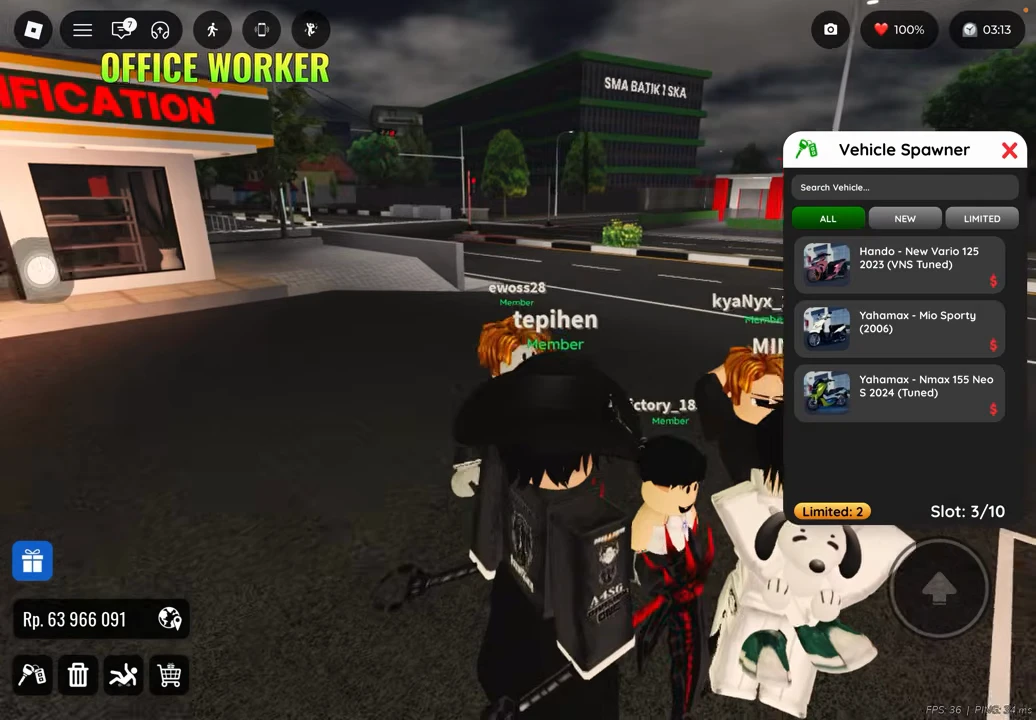
Use the key-shaped vehicle control at the lower left to open Vehicle Spawner. The recorded English panel has Search Vehicle, ALL / NEW / LIMITED filters and three owned entries. Its Slot: 3/10 and Limited: 2 counters describe this account, not a starting entitlement for every player.
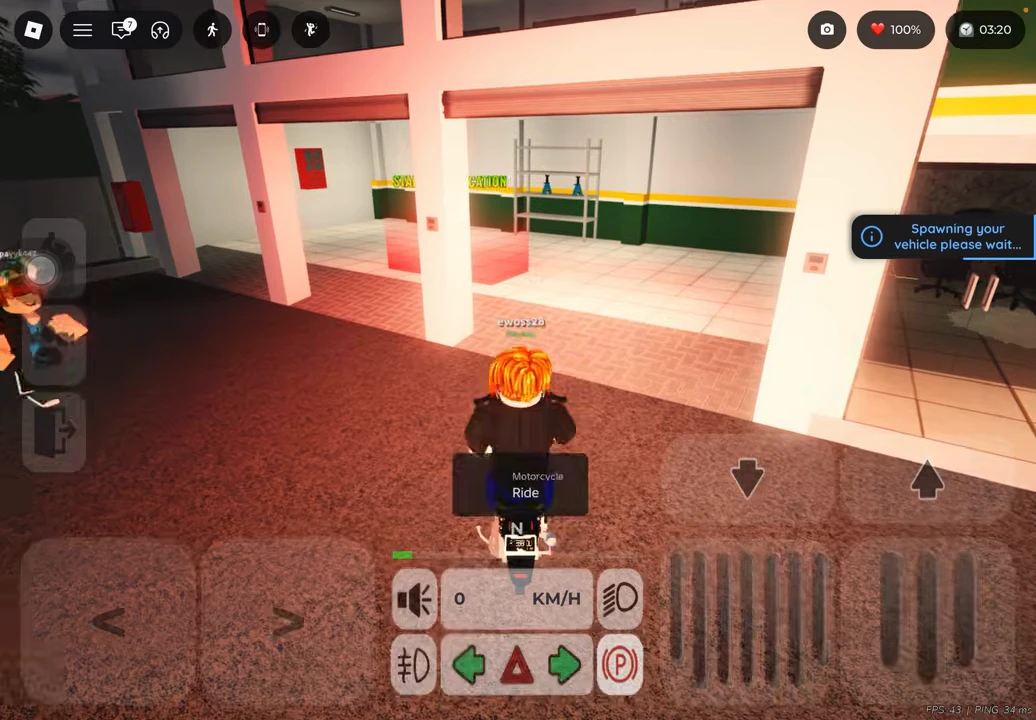
Choose the entry you intend to use and allow the spawn request to finish. The subsequent scene displays a message that the vehicle is spawning, then a blue motorcycle appears outside the workshop. The recording does not visibly highlight which of the three list rows was tapped, so this guide does not assign that spawn to a particular model name.
Use Ride and check the driving interface before moving
Approach the motorcycle and use the visible Motorcycle / Ride prompt. In the recorded mobile interface, steering arrows appear at lower left, pedal controls at lower right and a speed display in the middle. The example begins at 0 KM/H and then moves around the parking area.
Before a group drive, practise moving and stopping in a clear area with your own controls. Keep the first route short enough that someone who loses the group can return to the agreed landmark. This is a session-planning suggestion, not a measured race route or a claim about desktop key bindings.
Park at a landmark that everyone can recognise
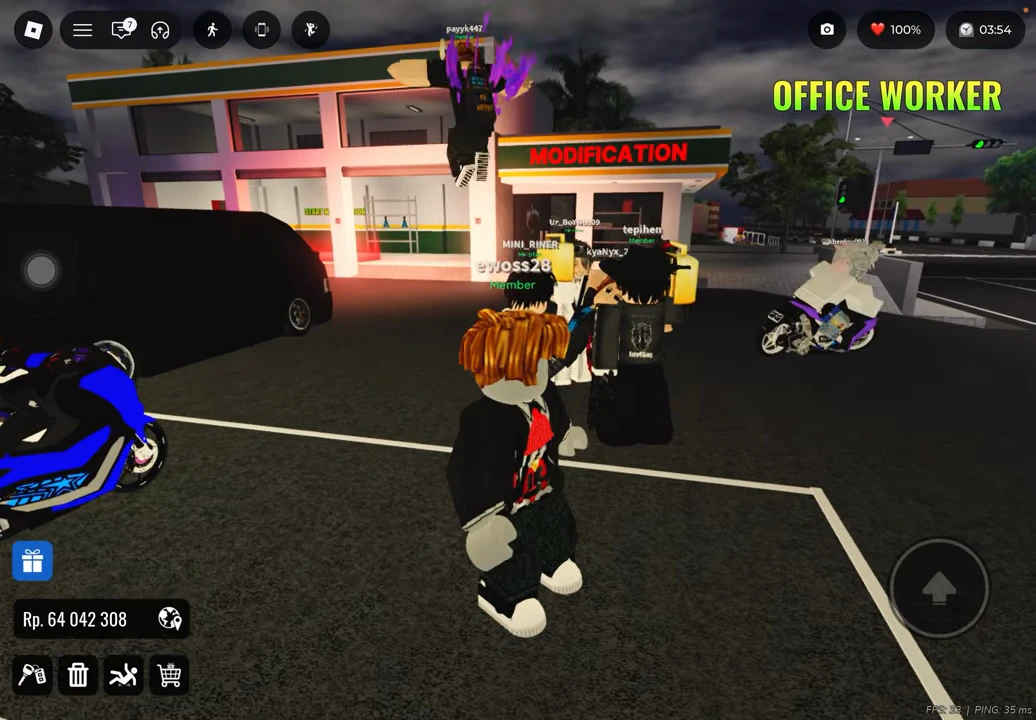
The gathering shown here is in the marked parking area outside the building labelled MODIFICATION. The player is later on foot among other players and parked motorcycles. The same area also has an OFFICE WORKER marker, which helps distinguish this location from an unlabelled stretch of road.
Use the workshop sign as a meeting reference and leave space for others to arrive. The example shows players together in a session; it does not show sending invitations, joining a particular friend or creating a private server. Arrange those separately if your group is not already together.
Choose a pose from the top bar
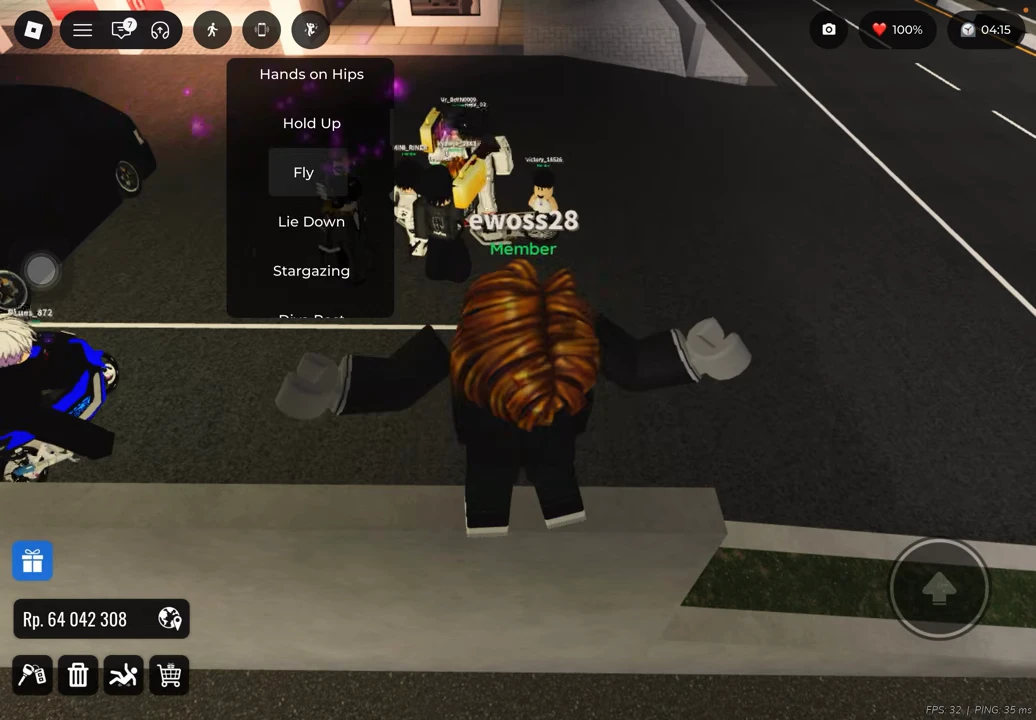
The pose menu sits below the figure icon just to the right of the phone icon. The visible list includes Hands on Hips, Hold Up, Fly, Lie Down and Stargazing. With Fly highlighted, the avatar holds its arms out; later, Stargazing is highlighted while the avatar reclines.
Treat these as visible poses. The Fly label and arms-out animation do not establish a flight ability. The recording later returns to normal movement, but it does not isolate a labelled cancel-pose control; no special cancel key is supplied here.
Keep the activity simple enough to repeat
A practical plan is: choose an owned vehicle, name the meeting landmark, make one short drive, regroup on foot and try a pose. Change the activity only after everyone has reached the meeting point. This planning sequence is original advice built around the menus and actions shown above.
| Before the meetup | Your choice |
|---|---|
| Vehicle | An owned entry you can already use. |
| Meeting point | A landmark everyone in the group can identify. |
| First activity | One short route or a parked pose gathering. |
| Regrouping rule | Return to the agreed landmark if the group separates. |