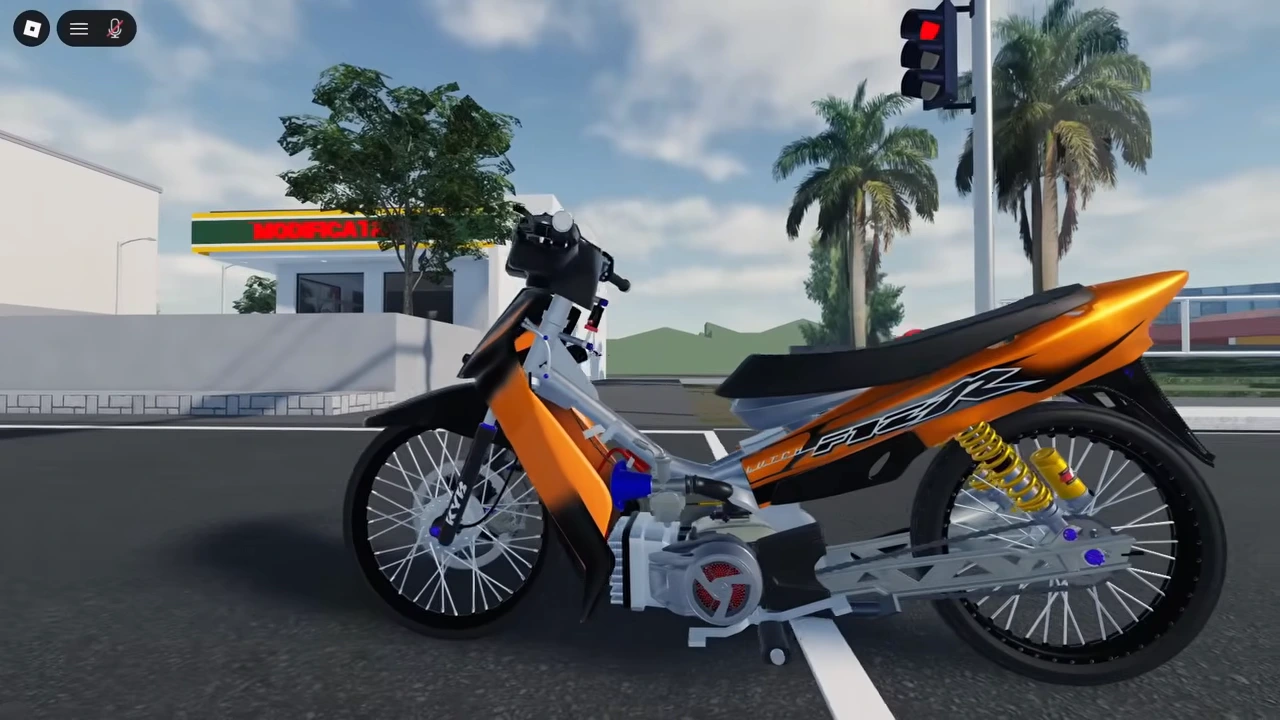
Keep the recording and the announcement separate
This workshop recording was published August 4, 2026. It demonstrates height controls and a completed payment.
The developer says the kickstand now follows suspension height.
The recording predates that later update listing. Use it for the height workflow, not as proof that the updated stand follows every setting. No isolated before-and-after stand comparison is shown here.
Open the workshop for the intended vehicle
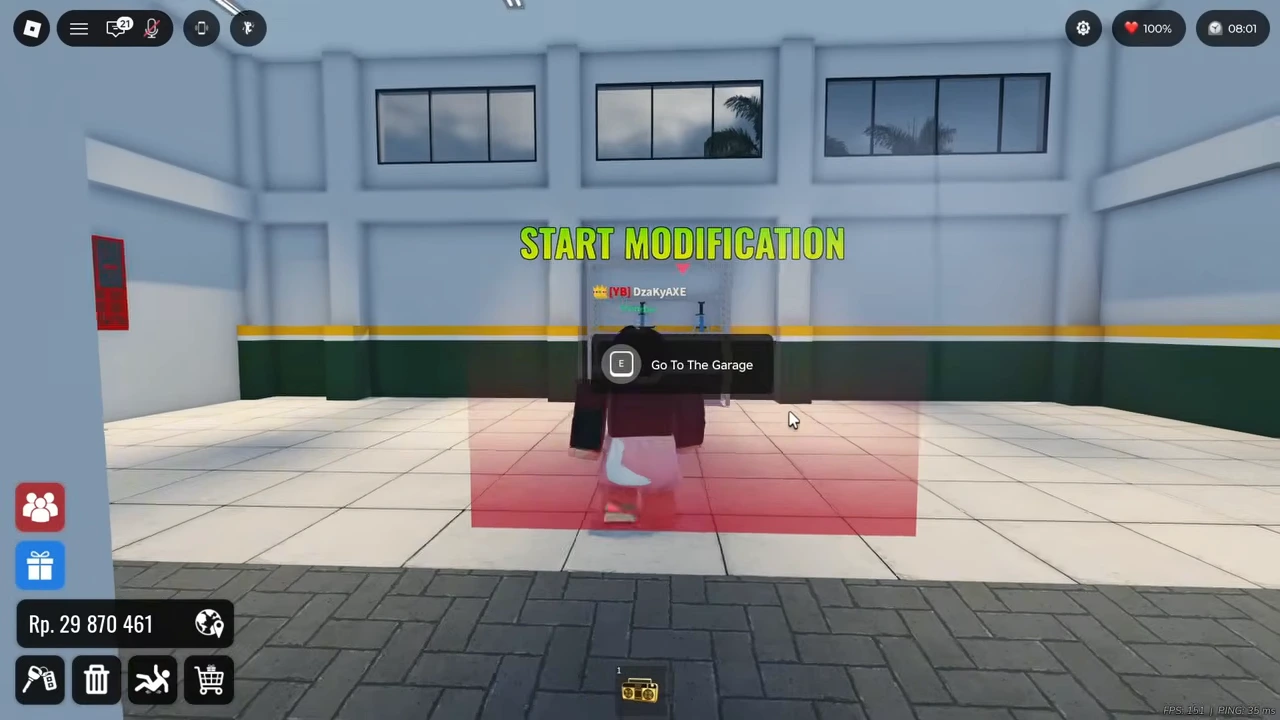
Enter the building marked MODIFICATION and approach the red area beneath START MODIFICATION. The visible prompt is E — Go To The Garage. The next Select Vehicle screen lets the player choose a vehicle and use SELECT.
Inside, choose Suspension from the bottom toolbar, then Height. The submenu also contains Damping and Stiffness; leave those separate when testing a height change.
Record the two starting values
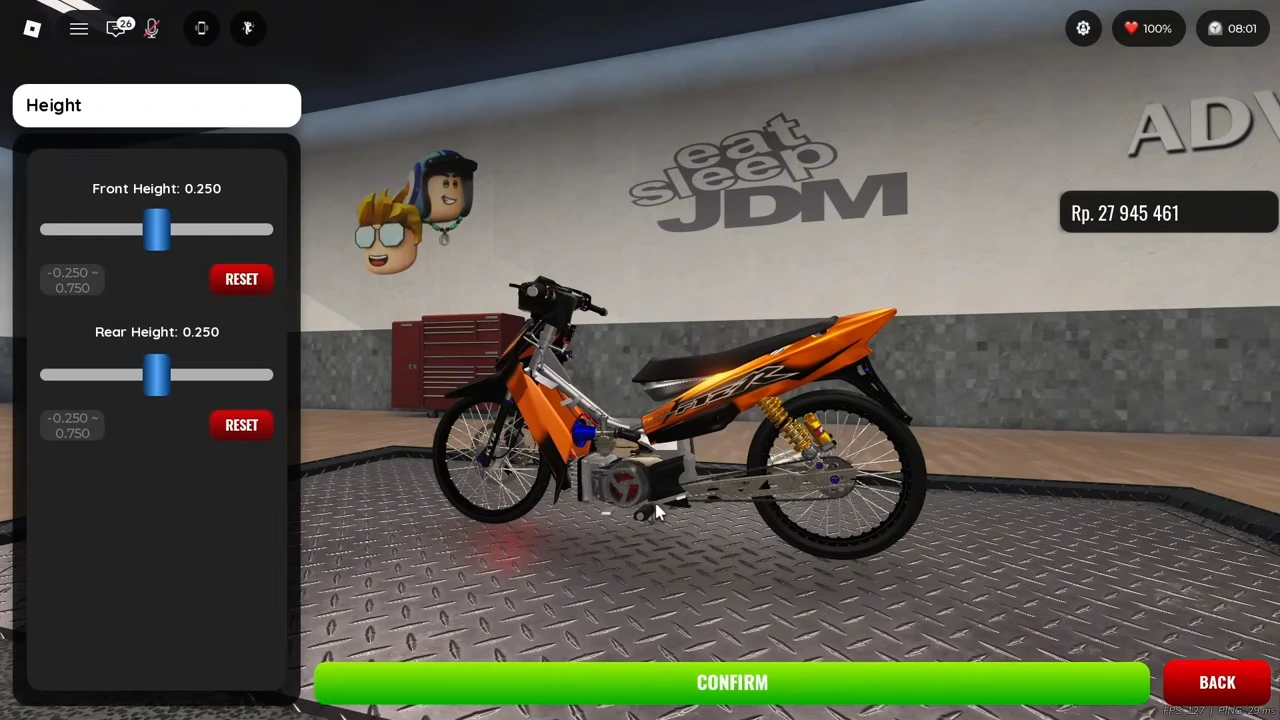
The Height panel begins with Front Height 0.250 and Rear Height 0.250. Each has its own slider, RESET control and displayed range from −0.250 to 0.750. No physical unit is printed.
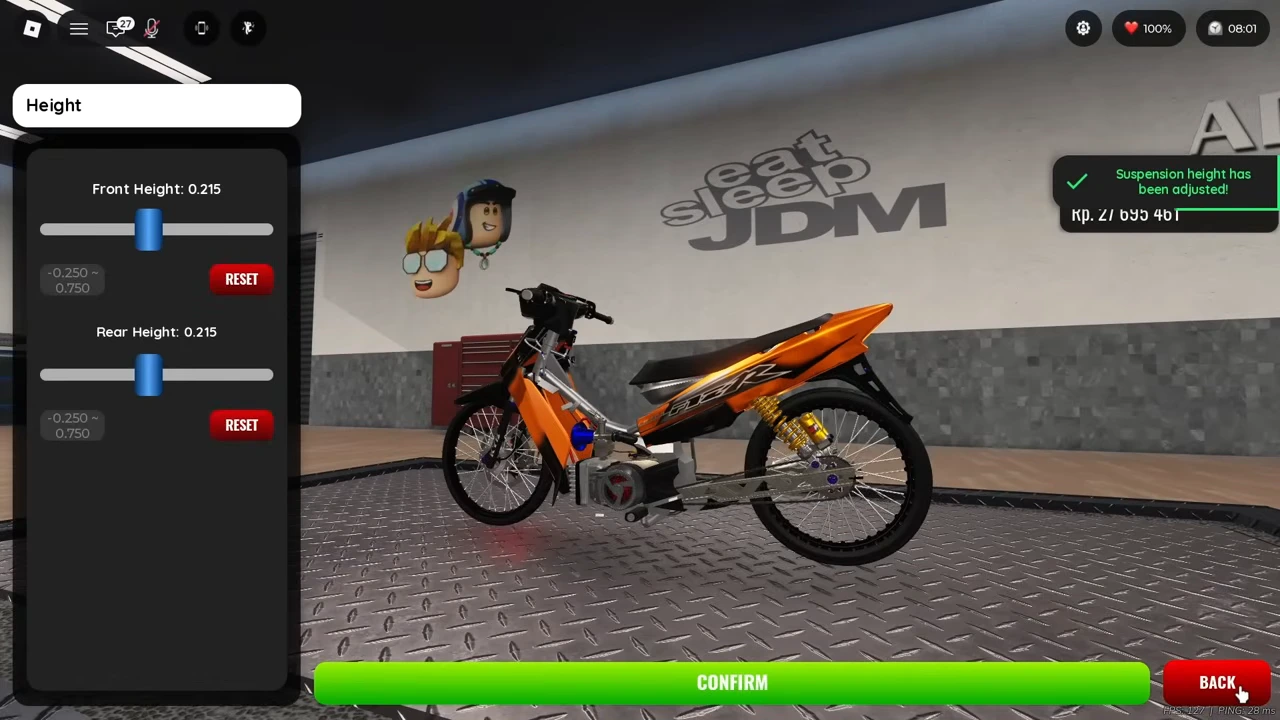
The recording adjusts the front and then the rear to 0.215. These are the demonstrated settings, not a recommended racing tune. For your own comparison, change one end at a time and write down the other value.
| Checkpoint | Front | Rear |
|---|---|---|
| Before the demonstrated adjustment | 0.250 | 0.250 |
| At payment confirmation | 0.215 | 0.215 |
| After the success message | 0.215 | 0.215 |
Confirm the cost and verify the result
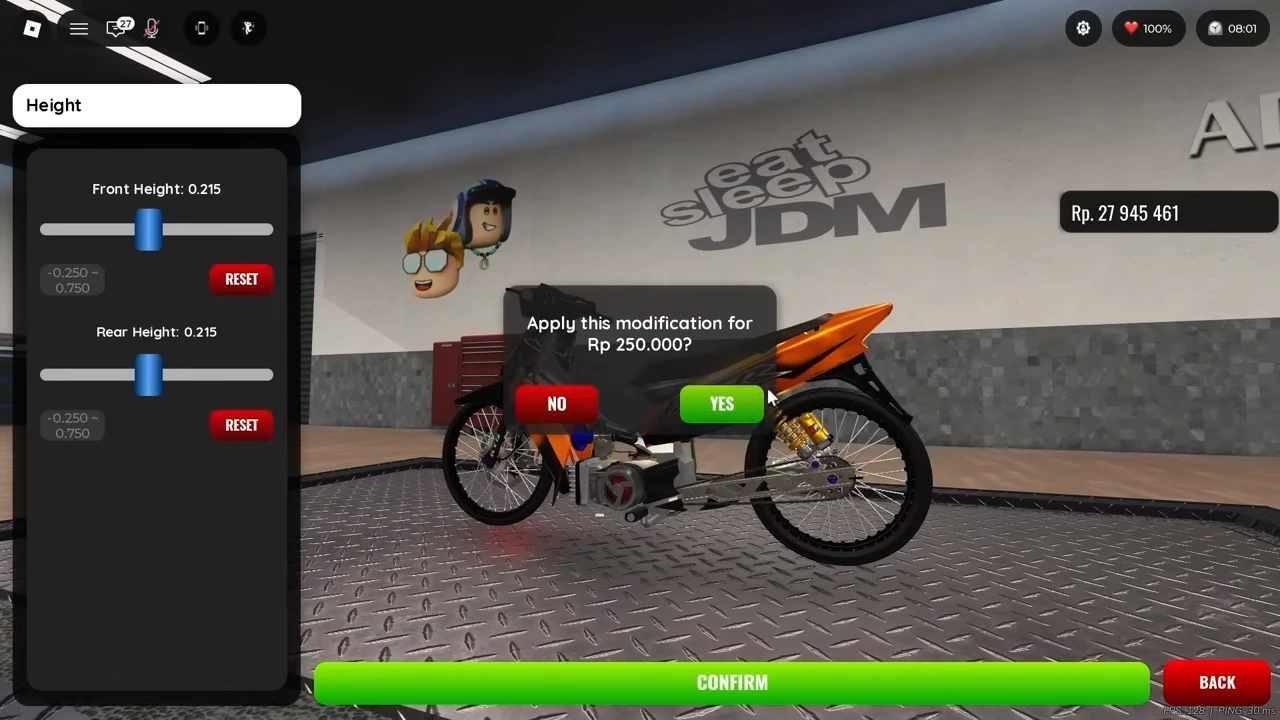
With both values at 0.215, CONFIRM opens an Apply this modification question for Rp250,000 with NO and YES. Read that amount before accepting; dragging the sliders alone is not the completed payment.
After YES, Suspension height has been adjusted appears. The wallet settles from Rp27,945,461 to Rp27,695,461: a Rp250,000 difference. The displayed heights remain 0.215 and 0.215. This verifies the recorded application, not a universal fee for every vehicle or version.
Make a controlled parking comparison
The recording later shows the orange bike parked outside. Between the height payment and that view, the player visits other settings, so the final appearance cannot be attributed only to height.
To check your own stand, capture the parked bike and its two height values before editing. After a single height change succeeds, park on the same flat area with the same camera angle. Compare the stand tip and ground contact as well as the body position.
If the stand is obscured or the parking setup differs, keep the comparison unresolved. A changed silhouette or a success message does not by itself establish that the stand shortened, lengthened or retained the setting after reconnecting.
- Keep the original front and rear values with a parked reference view.
- Apply one height change and verify the displayed price and success state.
- Repeat the same parking position and camera angle.
- Compare visible stand contact; leave an obscured or uncontrolled result unresolved.